10 Best MES Software According to Operators
The search for the best MES software usually starts after one too many production delays or processes that overgrow spreadsheets. That’s usually the moment you realize you need a system that organizes workflows and keeps everyone aligned with the pace of your organization.
Teams are spending up to 30% of their workweek on manual, time-consuming documentation, according to a National Association of Manufacturers (NAM) report.
That’s exactly the kind of operational drag manufacturing execution systems (MES) are designed to eliminate. They bring structure to work that has become too complex and too fast-moving for manual processes to keep up.
And manufacturers are already moving in that direction. A recent Deloitte survey shows that advanced production scheduling (35%) and execution systems (33%) are now the highest-priority investments for the next two years. This data reflects a clear shift toward replacing manual activity with integrated, real-time digital control.
A well-implemented MES reduces that manual burden, improves accuracy, and gives leaders the real-time visibility they’ve historically lacked. But because every production environment operates differently, the “best” system isn’t one with the most features; it’s the one flexible enough to adapt to your processes.
We assessed the best MES systems based on user feedback from G2, Gartner, Reddit, and other industry forums. And below, we've rounded them up to help monitor, control, and optimize production processes. Let's dive in.
MES Software Comparison at a Glance
| Solution | Operation Size | Industries | Key Characteristics |
|---|---|---|---|
| Epsilon3 | Small to Large | Aerospace, Defense, High-Tech | AI-powered workflows, traceability, inventory & CAPA management |
| Critical Manufacturing MES | Medium to Large | High-Tech, Electronics, Discrete | Modular, IoT-enabled, real-time shop floor visibility, Industry 4.0 ready |
| AVEVA MES | Medium to Large | Process, Discrete, Multi-site | Real-time production control, quality management, and scalability |
| Honeywell MXP | Medium to Large | Process Industries, Pharma, Chemicals | Modular, process optimization, compliance support |
| iBASE-t Solumina | Medium to Large | Aerospace, Defense, Electronics | Strong quality & process management, highly regulated environments |
| Werum PAS-X | Medium to Large | Pharma, Biopharma | Batch control, regulatory compliance, traceability |
| Siemens Opcenter | Medium to Large | Discrete, Electronics, Automotive | Enterprise-scale, deep ERP & PLM integration, advanced analytics |
| Rockwell Automation FactoryTalk Production Centre | Medium to Large | Discrete, Process, Pharma | MES + quality + analytics, strong for regulated industries |
| Tulip Frontline Operations | Small to Medium | Discrete, Electronics, SMBs | No-code, app-based, quick setup, and operator-friendly |
| DELMIA APRISO | Large | Aerospace, Automotive, Electronics | MES + MOM capabilities, simulation, traceability, multi-site operations |
1. Epsilon3
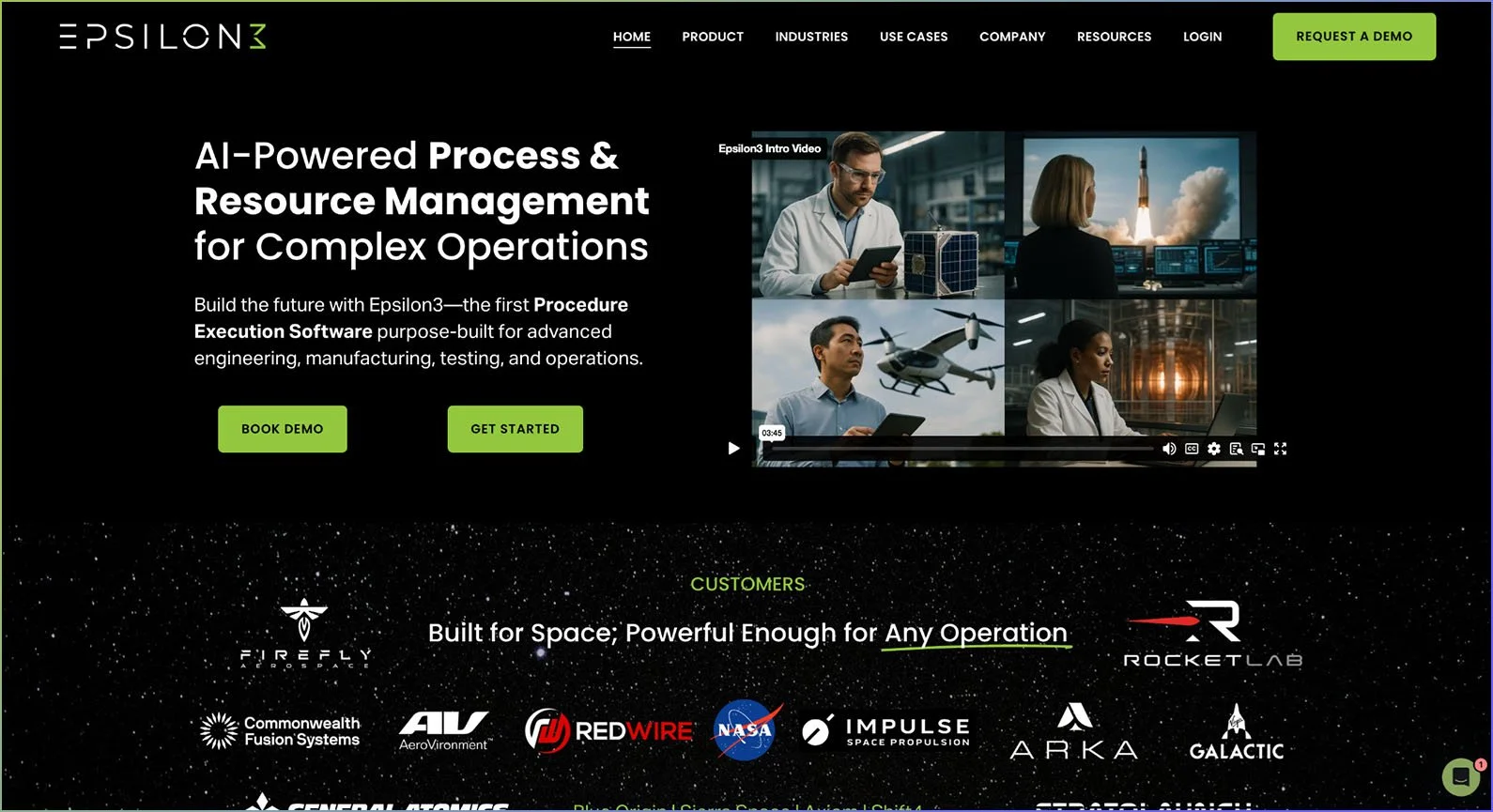
Epsilon3 is an AI-driven MES system designed for engineering-heavy environments like aerospace, defense, energy, and advanced manufacturing. The software provides teams with an AI-powered procedure execution system that centralizes manufacturing, testing, quality, and operations.
Companies of different sizes use Epsilon3, from small teams automating workflows to multi-site aerospace programs managing critical operations.
It could also be more cost-efficient than legacy MES systems since it combines the functionalities of multiple tools—like MES, Quality Management System (QMS), Computerized Maintenance Management System (CMMS), and Product Lifecycle Management (PLM).
With a 4.2/5 rating on G2, Epsilon3 holds the “High Performer” award for the Fall 2025 by delivering enterprise-level performance without the heavy overhead. The solution is also rated the “Best Free Software” by G2 from among 233 MES systems.
While it's relatively new compared to established players, its ease of use and strong security credentials make it a top choice for operations of all sizes.
Epsilon3’s best features
Unified MES, QMS, PLM & CMMS functionality: Instead of juggling separate systems, Epsilon3 automatically connects work orders, procurement requirements, quality processes, and maintenance logs, so teams always see the whole picture. We also cover testing and operations beyond manufacturing, such as through research and development.
AI-powered workflows: Epsilon3 uses AI to offer a clean, guided way to run complex procedures with automated checks and sign-offs to help write, revise, or troubleshoot procedures as teams work.
Part, inventory & BOM management: Epsilon3 creates an accurate “as-built” inventory record of every unit in the Bill of Materials (BOM) document to track each one as it moves through assembly, testing, and operations. This includes the eBOM (Engineering BOM) detailing the design blueprint and parts, the mBOM (Manufacturing BOM), which tracks production details, and the aBOM (Assembly BOM) tracking the actual product as its made or shipped.
Issue, NCR, and CAPA tracking: When there’s a test failure, a missing part, or an out-of-tolerance reading, teams can use Epsilon3 to escalate it to a Non-Conformance Report (NCR) or Corrective Action, Preventive Action (CAPA) when needed.
Labor tracking & analytics: Epsilon3 automatically captures how long each person spends on every step, task, run, or work order. It gives teams a clear view of the time spent on individual tasks and helps them visualize those insights.
Flexible integration & API: With a modern REST API and pre-built connections, Epsilon3 can integrate with tools like Enterprise Resource Planning (ERP), PLM, design software, telemetry systems, authentication providers, and many other tools.
Version control & revision management: The software automatically tracks every change to a procedure, requirement, or document, so teams can compare versions line-by-line or revert to a previous revision if the need arises.
Security & compliance: Epsilon3 offers role-based access controls, detailed audit logs, compliance configurations, and AWS GovCloud deployments. As the only FedRAMP (Federal Risk and Authorization Management Program) high-authorized MES, it's best for organizations that handle sensitive and regulated work, like aerospace, defense, energy, and government contractors.
Conditional logic & automation: Engineering and operations teams can use Epsilon3 to automate repetitive tasks (like checking parameters, sending work for approval, or scheduling maintenance checks) using real-time data.
Scalability for high-stakes operations: Epsilon3 can handle complex coordination, heavy data loads, and high-compliance environments through centralized control. Small engineering teams can scale as they grow, while large enterprises can run multi-site operations with thousands of users.
Customer reviews
Epsilon3 holds a 4.2/5 rating on G2 based on over 250 verified user reviews. Teams consistently mention Epsilon3’s ability to cut cycle times while improving consistency across teams. Users highlight the system's clear traceability, real-time collaboration features, and built-in risk management tools, with one aerospace user mentioning:
“The ability to redline/blueline modifications to operational procedures in real-time while executing the procedures was very beneficial for the first flight of a development spacecraft system.”
Epsilon3 users also mention that this MES software has helped reduce operational confusion, speed up complex workflows, and give clearer traceability across runs, parts, and sign-offs. Many also highlighted the intuitive procedure builder with real-time collaboration features and process control.
On the flip side, some mention a learning curve for newer or less technical teams, especially when setting up new systems or moving from older paper-based workflows.
Pros and cons
Here's how Epsilon3 stacks up based on user feedback and technical analysis:
| Pros | Cons |
|---|---|
| Strong security & compliance: Built for sensitive, regulated environments with FedRAMP High controls, strict role permissions, and flexible cloud/on-premise deployment. | Steep setup for smaller/less technical teams: While powerful, setting up Epsilon3 requires people with some technical expertise, and smaller teams may need extra onboarding time. |
| Risk management: The built-in risk matrix and mitigation feature make it easy to spot operational hazards early, assign owners, and keep issues from snowballing into failures. | Pricing isn't transparent: The pricing starts at $100 per user per month for growing teams, but the public pricing for the enterprise plan is limited, making it harder for teams to estimate budgets without entering a full sales process. |
| High traceability & quality control: Epsilon3 tracks every part, build, deviation, NCR, and CAPA in one place, providing teams with the audit-ready traceability that would otherwise require multiple systems. | Limited mobile experience: Mobile access works, but it's not as rich as desktop access, which can slow down teams that primarily operate on smartphones or tablets. |
| Real-time collaboration: Updates sync up instantly for everyone, with real-time data and comments, which makes it ideal for distributed test sites. | Learning curve: The power of conditional logic, revision control, and risk tools can feel overwhelming at first—specifically for those migrating to a MES system from spreadsheets or paper. |
| Operational efficiency gains: G2 users consistently mention huge reductions in cycle time and rework because Epsilon3 eliminates the need for manual tracking. | Integration gaps: Integrations with engineering tools are strong, but some users want deeper connectivity with everyday projects or communication tools. |
| Advanced analytics & insights: Built-in reporting highlights bottlenecks, labor costs, step timing, and procedure performance so teams can continuously improve with real data. | Feature depth still evolving: Some of the newer modules are improving quickly, but may not yet match the maturity of legacy MES systems that have existed for decades. |
2. Critical Manufacturing MES
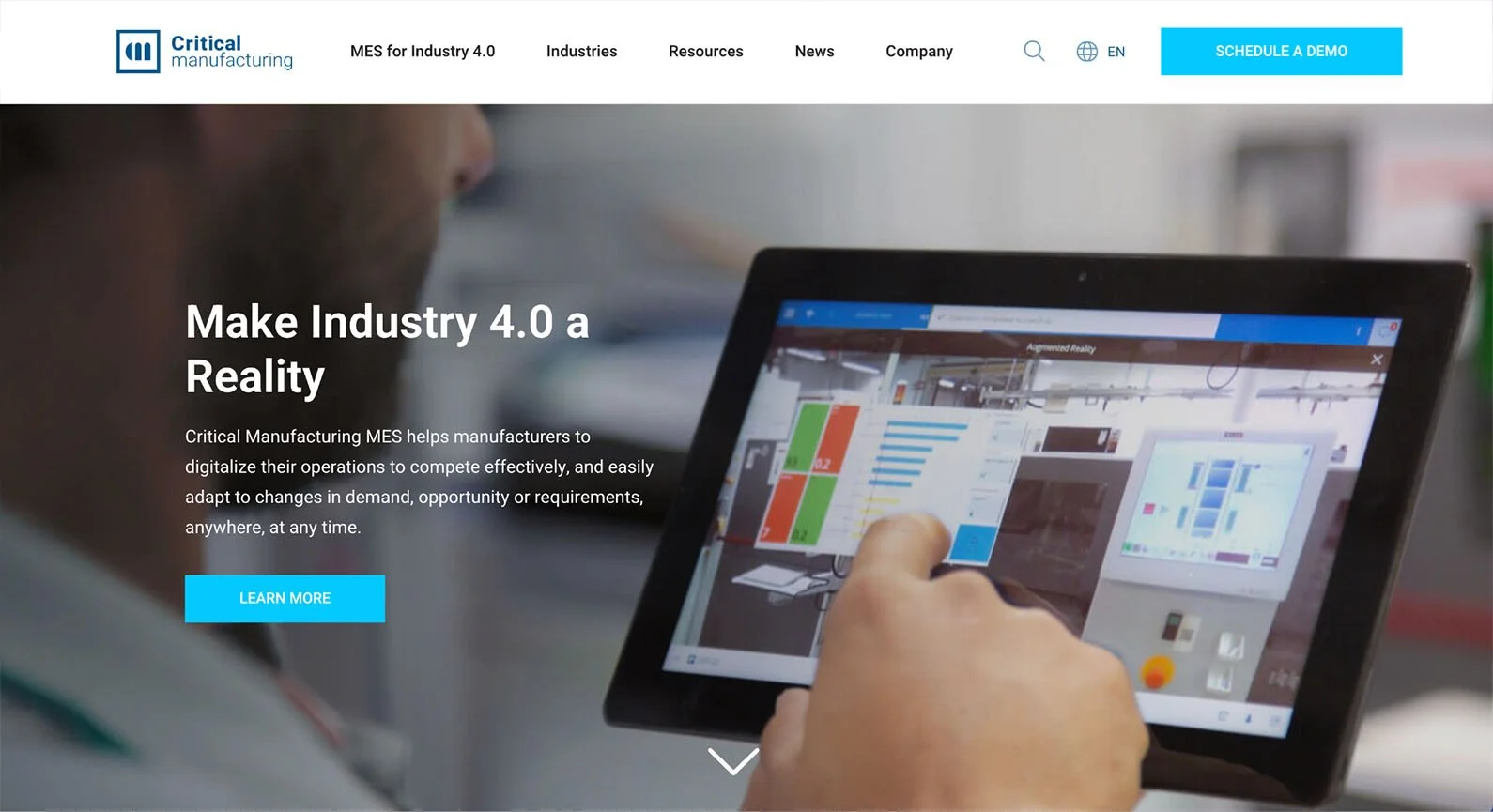
Critical Manufacturing MES supports high-tech electronics and industrial manufacturing environments with modular architecture, IoT connectivity, and Industry 4.0 capabilities.
The system supports complex discrete manufacturing with end-to-end traceability, quality management, and real-time shop-floor visibility. It has various flexible deployment options and can be scaled across multiple sites.
Many medium to large-sized companies with complex production workflows and multiple product lines find the system's configurability particularly valuable.
Key features
Modular architecture: Deploy only the modules you need today and add functionality as you scale.
IoT & Industry 4.0 integration: Connect equipment, sensors, and machines for automated data collection and real-time monitoring.
Real-time shop floor visibility: Track work-in-progress, equipment status, and production metrics.
Quality management & traceability: Manage inspections, non-conformances, and complete genealogy, right from procurement to finished goods.
Production scheduling: Allocate optimal resources with balanced workload, and respond quickly to priority changes or equipment downtime.
Customer reviews
Critical Manufacturing MES holds a 3.0/5 rating on Gartner, with many users praising its modern UI, strong modularity, and flexibility across complex manufacturing environments. Customers also frequently highlight its solid customization options and well-designed architecture.
The main drawbacks mentioned are slower communication during projects and the system’s complexity, which can complicate implementation and ongoing support.
Pros and cons
Here's what users and industry experts report about Critical Manufacturing MES:
| Pros | Cons |
|---|---|
| Configurable for different operational needs, allowing teams to tailor workflows and processes. | A complex configuration process that requires many setup decisions during implementation. |
| IoT connectivity enables automated data collection from equipment and sensors. | Requires IT or MES expertise to fully configure and optimize the system. |
| Real-time monitoring gives instant insight into WIP, equipment status, and production metrics. | Higher cost may be challenging for smaller or single-site operations. |
| Scales easily across multiple sites with centralized reporting and coordination. | Longer implementation timelines compared to lighter MES tools. |
| Flexible deployment options across cloud, on-premises, or hybrid setups. | Additional licensing may be needed when adding modules or features. |
| Designed for discrete and high-tech manufacturing with strong routing and traceability. | Customizing niche workflows or compliance needs may require extra configuration time. |
3. AVEVA MES
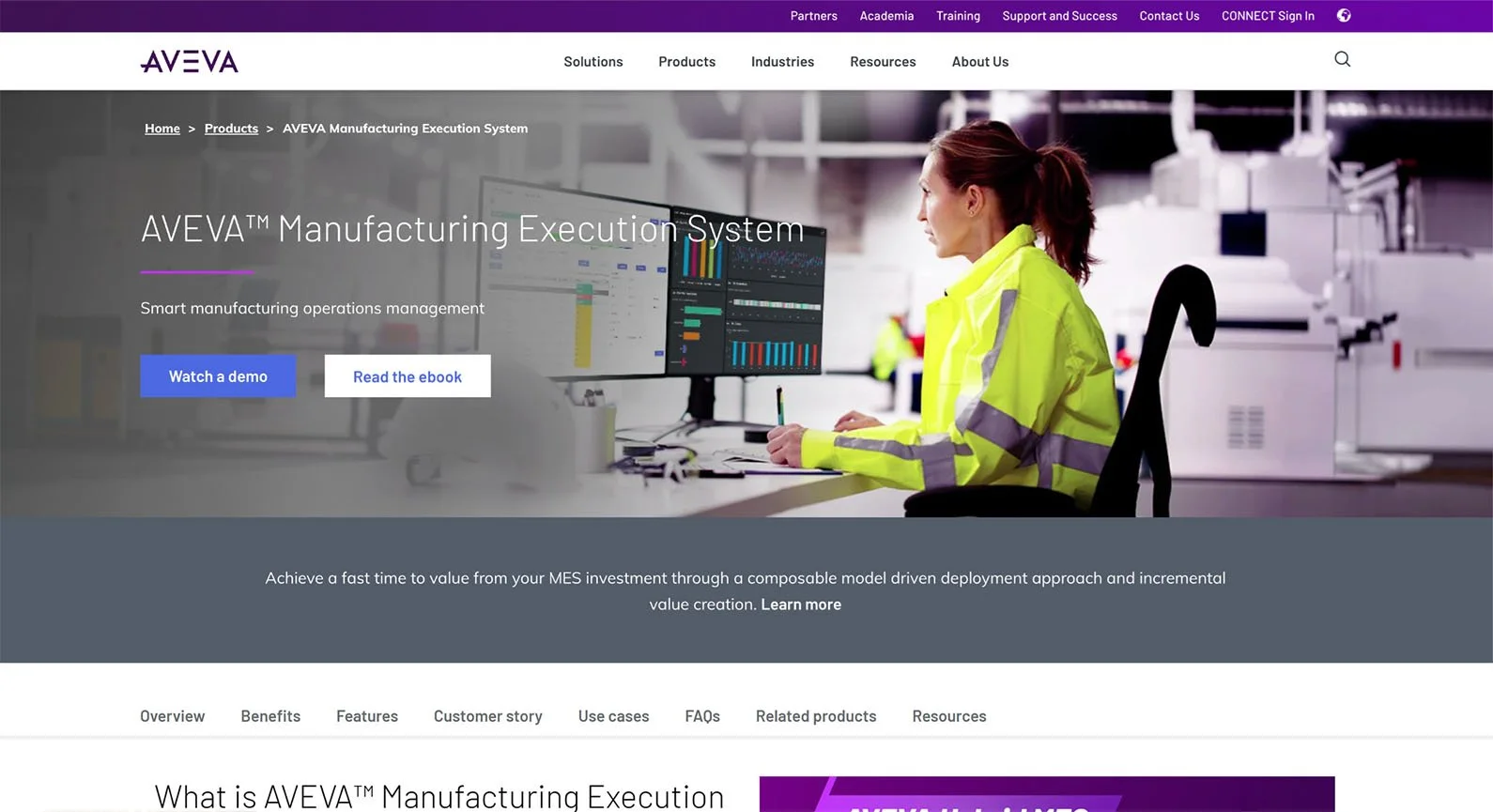
AVEVA MES (formerly Wonderware) provides real-time production control and quality management with modular deployment options. The system works particularly well for process industries with repetitive automated or semi-automated production units, like the pharmaceutical companies.
The system's multi-site capabilities and integration with ERP, PLM, and Supervisory control and data acquisition (SCADA) make it suitable for organizations managing distributed operations. This is best for medium- to large-scale industries that require a 360-degree view of plant operations.
Key features
Real-time production control: Monitor and adjust production parameters as processes unfold, enabling rapid response to deviations or quality issues.
Quality management: Automate quality control, monitor quality KPIs in real-time, and use Statistical Process Control (SPC) to find violations and fix them.
Batch execution and genealogy: Manage complex production lines, track batch genealogy from raw materials through finished product, and maintain complete production records.
Multi-site operations support: Deploy standardized processes across facilities while also considering each unit’s localized needs.
ERP/PLM integration: Connect production execution data with ERP and PLM for end-to-end visibility.
Analytics & reporting: Monitor process performance and track KPIs with the built-in analytics tools.
Customer reviews
AVEVA holds a 4.0/5 rating on Gartner, with users consistently mentioning its strong production visibility, flexible configuration options, and reliable performance for day-to-day operations. Many highlight the system’s ability to support complex digitization efforts across multiple sites, along with responsive vendor support during large rollouts.
A recurring complaint, however, is that some parts of the system feel dated or difficult to integrate, and teams sometimes struggle with documentation or the complexity of certain upgrades.
Pros and cons
Here are the pros and cons of how the AVEVA MES system performs based on our industry analysis:
| Pros | Cons |
|---|---|
| Real-time production monitoring provides continuous visibility into processes and equipment. | Setting up often requires dedicated IT resources and industry specialists. |
| Supports multi-site operations with shared standards and centralized reporting. | Teams usually need structured training to use the system effectively. |
| Built-in quality management reduces reliance on separate inspection or NCR tools. | Higher cost may be difficult for smaller or single-site manufacturers. |
| Integrates smoothly with ERP and PLM systems to keep data consistent. | User experience can feel complex for teams moving off paper. |
| Flexible deployment options across cloud, on-premises, or hybrid setups. | Customizing highly specific workflows can take time and detailed configuration. |
| Established system with strong long-term support and reliability. | Hybrid deployments may require extra infrastructure and maintenance. |
4. Honeywell MXP
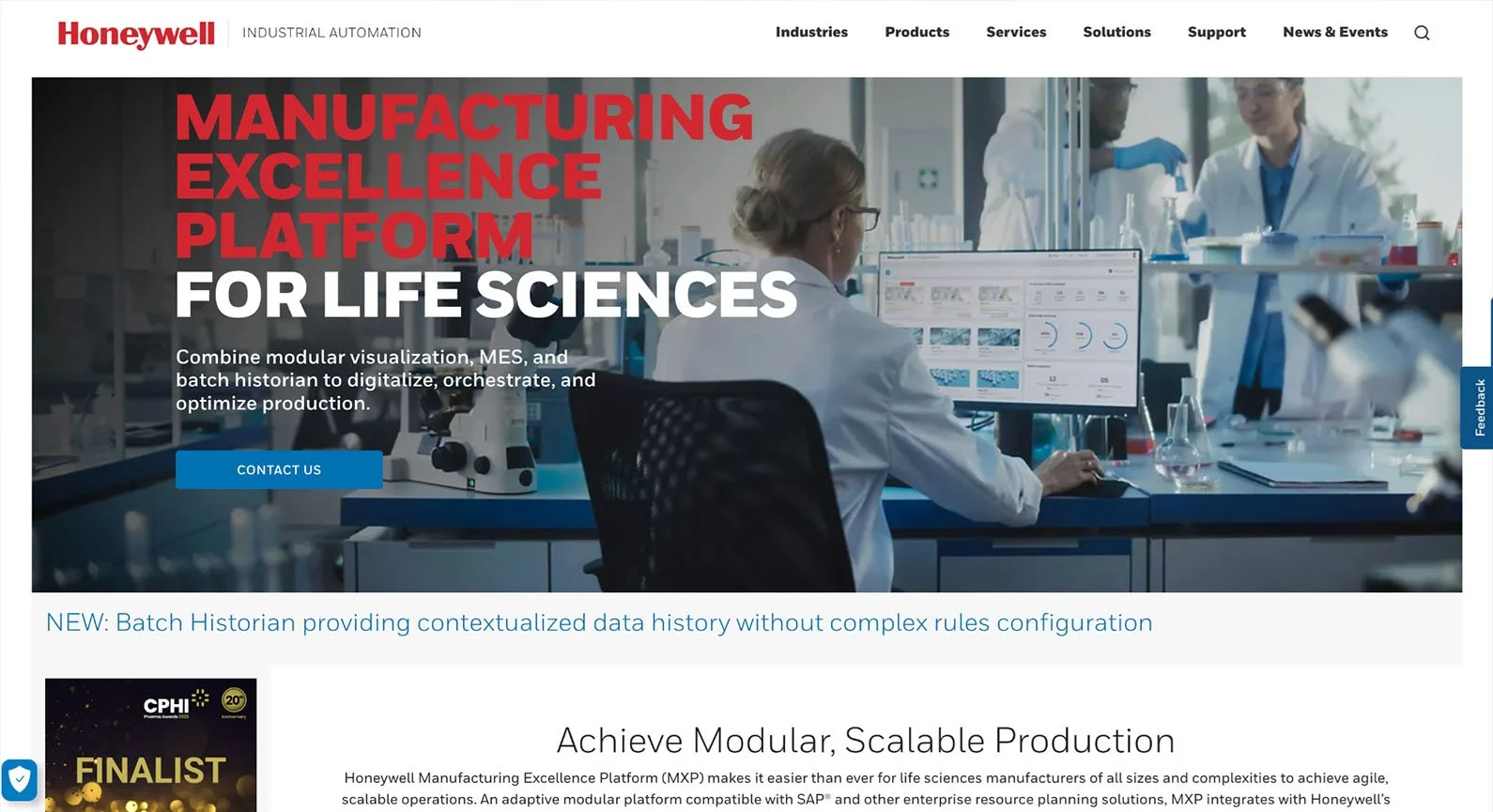
Honeywell Manufacturing Excellence Platform (MXP) is an AI-powered platform that brings together batch digitization, real-time production views, digital work, and reporting in one place, making day-to-day execution and compliance work much smoother. The software is a combination of MES, SCADA, and Historian technologies put together in a single platform.
Many medium- to large-sized sites benefit from its quick integration with systems like QMS, ERP, and Distributed Control System (DCS), helping them meet regulations without building many custom connections.
Key features
Modular architecture: Select and deploy modules for production management, batch digitization, real-time visualization, digital work instructions, or reporting modules.
Process optimization tools: Historian and real-time data help spot efficiency gaps, improve consistency, and reduce the risk of production issues or delays.
Quality & compliance modules: Manage inspections, track deviations, electronic batch records, and audit trails to meet FDA and GMP requirements.
Data capture & integration: Automatically collects process data from control systems and stores it in the built-in features for long-term analysis, troubleshooting, and regulatory evidence.
Resource management: Schedule equipment, labor, and materials to balance production loads across the shop floor.
Customer reviews
Honeywell’s MES platforms hold a 4.0/5 rating on Gartner, with most users describing the system as reliable, feature-rich, and strong on real-time production visibility. They also consistently praise its stability, modular design, and ability to reduce downtime through better analytics and a clearer operational picture.
On the flip side, several mention that upgrades can be expensive and complex, with some noting occasional interface glitches and a need for stronger integration or modernization in some modules.
Pros and cons
Here's what users and experts say about Honeywell MXS:
| Pros | Cons |
|---|---|
| Supports process-intensive industries with strong batch and hybrid capabilities. | Less suited for small, discrete manufacturers with simpler needs. |
| Compliance-ready modules for FDA, GMP, and other regulations. | High implementation costs due to licensing, integration, and validation. |
| Automated data capture ensures accurate real-time production information. | Workflow changes may need vendor or specialist support. |
| Modular design allows phased rollouts as operations mature. | Requires operator training, especially for teams moving off paper. |
| Integrates cleanly with DCS, PLC, and SCADA systems. | The legacy interface feels dated compared to newer cloud-native tools. |
| Scales well for larger plants and multi-site environments. | Set up often requires specialized Honeywell and MES expertise. |
5. Werum PAS-X

Werum PAS-X from Körber Pharma is built for pharma, biotech, cell & gene therapy companies, and CDMOs that run highly regulated, complex production environments.
PAS-X goes beyond a traditional MES system by combining production execution, data analytics, track & trace, and preconfigured industry. This MES software supports the different facets of the value chain, from R&D and process development in pharmaceuticals to commercial manufacturing and packaging.
It’s best suited for mid-sized to large manufacturers that typically have the budget and scale for enterprise-grade digital systems.
Key features
Batch management/control: Handles batch execution, monitoring, and review using preconfigured templates.
Regulatory compliance: Supports compliance with global regulations, including EMP and FDA requirements, through validated workflows and built-in safeguards.
Electronic batch records (EBR): Digitize batch documentation with structured EBR workflows.
Quality management & traceability: Provides end-to-end traceability of materials and processes, along with content and tools to support deviations, investigations, and quality checks.
Multi-site coordination: Offers preconfigured features to align standards across locations while still supporting region-specific processes.
Customer reviews
Werum PAS-X has a G2 rating of 4.4/5. Customers often highlight its strong electronic batch record capabilities, smooth integration with ERP and manufacturing systems, and reliable support for GMP and FDA-compliant workflows.
Many say the system performs well once implemented, but that new users may face a learning curve, and the training and support can take some time to fully meet expectations.
Pros and cons
Here's a comparison of the pros and cons of Werum PAS-X based on user reviews:
| Pros | Cons |
|---|---|
| Designed for pharmaceutical and biopharmaceutical operations with ready-to-use workflows and terminology. | Focusing on pharma/biopharma makes it overly complex for non-regulated industries. |
| Compliance support for FDA, EU GMP, and Annex 11 is built directly into the system. | Configuration and deployment can be complex and require deep MES and pharma expertise. |
| Batch tracking and full genealogy for faster investigations. | Implementation costs may be high due to licensing, validation, and specialized services. |
| Multi-site coordination is supported, enabling global standardization with local flexibility. | Training may be required for operators to use electronic batch records effectively. |
| Audit trail capabilities are included for complete visibility into user activity and system events. | Customizing audit trail views can require additional configuration work. |
| Proven in large-scale manufacturing, offering strong reliability and performance. | Deployment may require longer timelines due to validation and documentation requirements. |
6. Siemens Opcenter
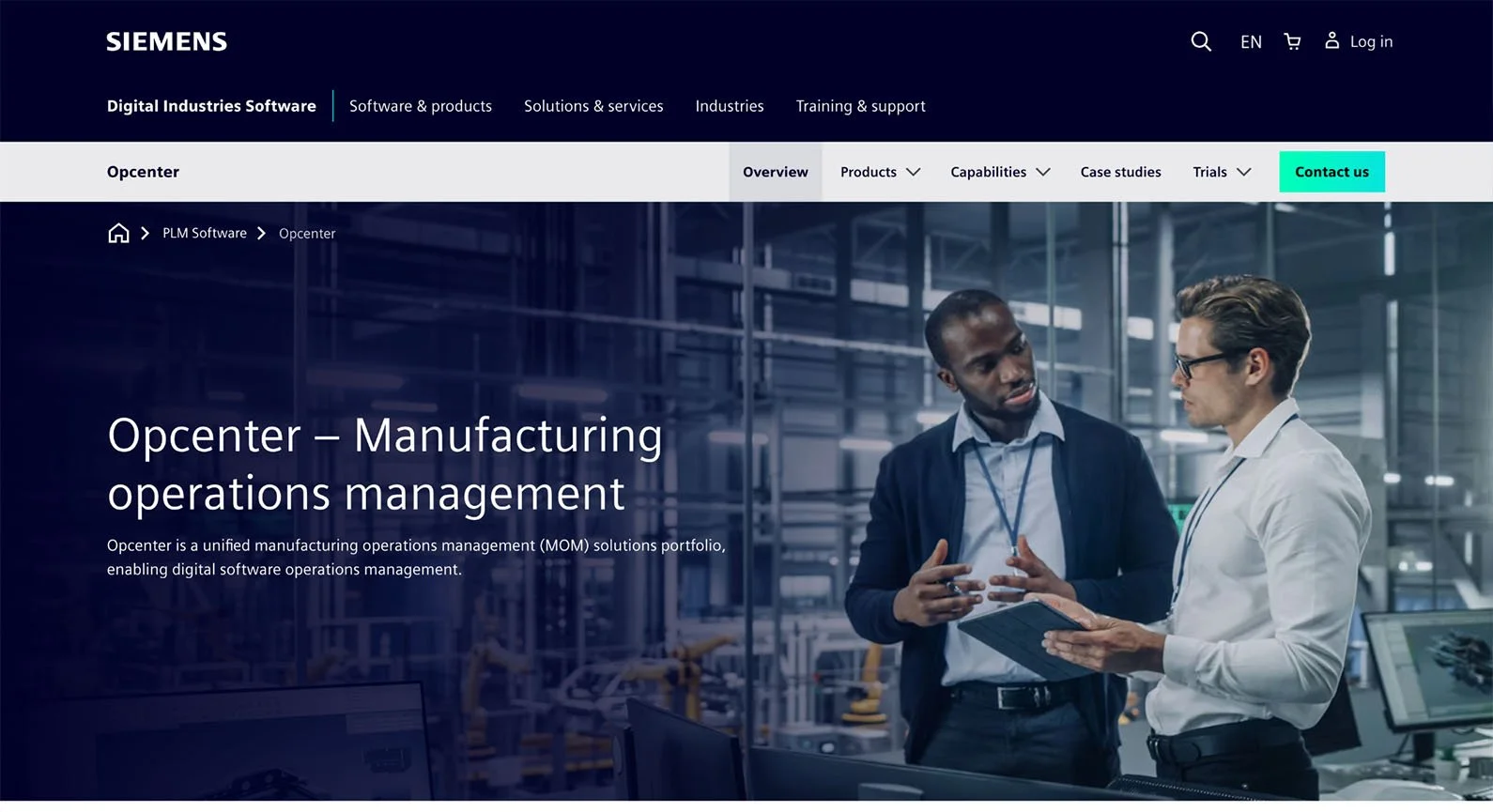
Siemens Opcenter is a unified manufacturing operations management (MOM) system from Siemens that stands out for its ability to connect design, production, quality, and intelligence into a single digital thread. It’s a good fit for manufacturers that rely heavily on automation and need tighter coordination between PLM, MES, APS, and real-time production data.
The platform is best suited for mid-sized to large operations across industries like consumer goods, automotive, electronics, and process manufacturing. However, organizations need to evaluate if they have the IT resources and budget to support the enterprise-grade implementation and the ongoing maintenance needs.
Key features
Production execution & scheduling: Provides manufacturing execution tools and advanced planning and scheduling (APS) capabilities to synchronize production and reduce cycle times.
Quality management & inspections: Includes QMS workflows for shop-floor quality, inspection, corrective actions, and compliance.
ERP/PLM integration: Links production operations to ERP and PLM systems, for smooth execution among product design, planning, and shop-floor execution.
Traceability & genealogy: Captures material, process, and WIP history to support complete product genealogy.
Analytics & dashboards: Leverages Opcenter Intelligence to turn production data into actionable insights with real-time dashboards, performance monitoring, and predictive analytics.
Customer reviews
Customers rate Opcenter MOM at 4.1/5 on G2, mentioning strong real-time visibility, scalable intelligence tools, and helpful integrations with other Siemens solutions. Some mention a learning curve, occasional challenges with integration, and higher long-term maintenance requirements.
Pros and cons
Here's how Siemens Opcenter performs according to industry analysis:
| Pros | Cons |
|---|---|
| Can scale to enterprise-level operations with multi-site, automated workflows. | Deployment may be complex due to multiple modules and integrations. |
| Supports closed-loop improvement using real-time planned vs. actual data. | Implementation cost may be high for enterprise-grade capabilities. |
| Analytics and reporting are included for clearer insights and better decisions. | Training is a requirement for operators and planners to use advanced modules. |
| Traceability and genealogy tracking are supported for audits and investigations. | Customization may take time when tailoring workflows or dashboards. |
| Flexible system architecture with modular, cloud, on-prem, or hybrid options. | Less suitable for small operations with simpler manufacturing needs. |
| Simulation capabilities are available to test scenarios and optimize schedules. | IT or engineering support may be needed for long-term maintenance. |
7. Rockwell Automation FactoryTalk ProductionCentre
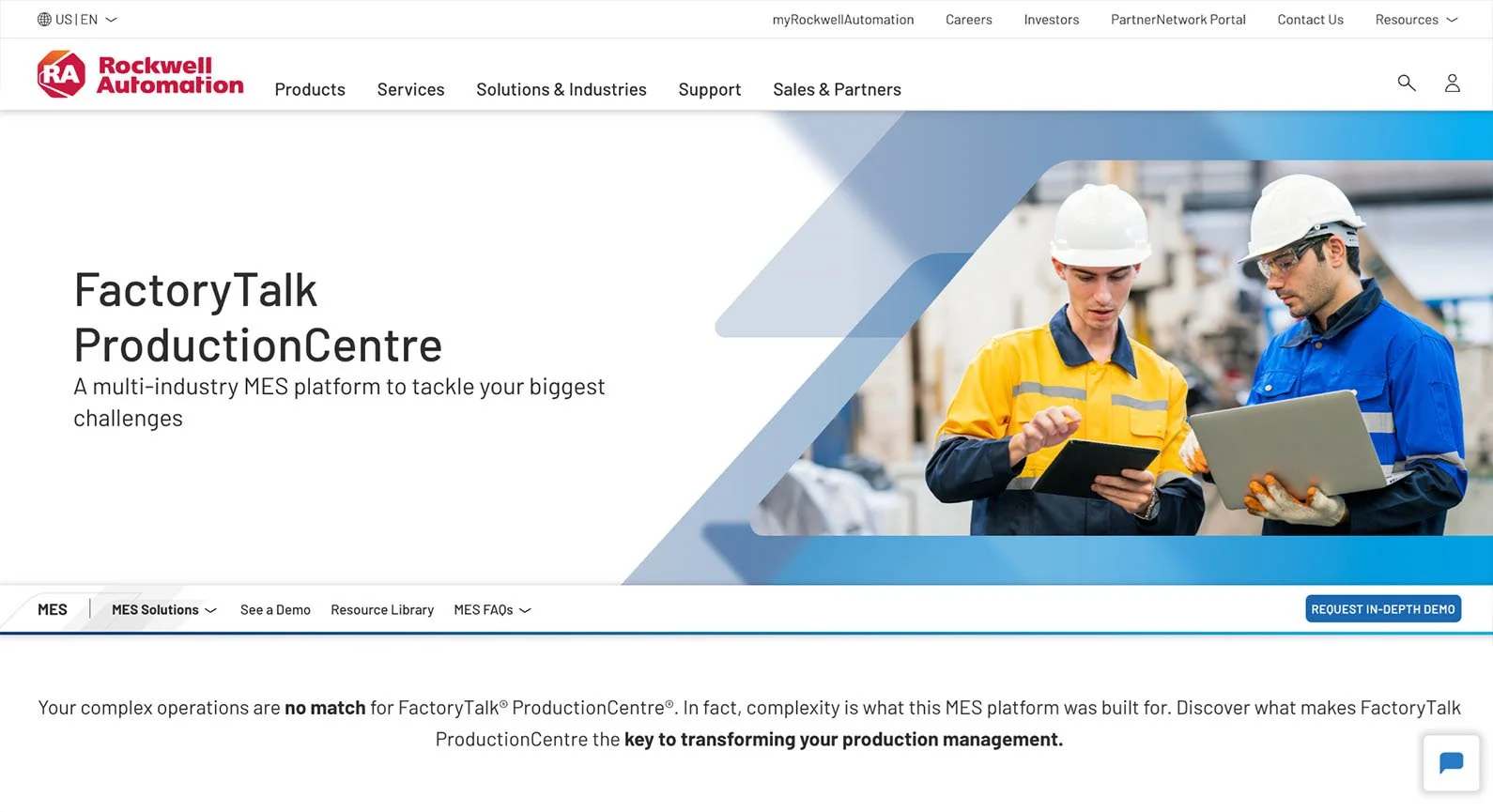
FactoryTalk ProductionCentre from Rockwell Automation is a multi-industry MES software designed for highly automated, fast-moving operations that need strong integration between machines, workflows, and quality processes.
Rockwell Automation FactoryTalk ProductionCentre helps reduce overhead costs, improve on-time delivery, and break down silos across teams. It’s best suited for industries with the budget and scale for enterprise MES deployment, like automotive, life sciences, and EV/battery.
Key features
MES + quality + analytics: Combines production execution, quality enforcement, and performance analytics into a single system.
Real-time data acquisition: Pulls live data from machines, sensors, and automation equipment to monitor performance, reduce downtime, and enable faster issue response.
Non-conformance & CAPA management: Tracks deviations, defects, and corrective actions across the production process.
Audit & compliance tracking: Provides electronic records, audit trails, and regulatory documentation support for industries with strict compliance requirements.
Multi-site deployment: Helps manufacturers standardize workflows, reporting, and best practices across multiple plants while still allowing local configuration.
Customer reviews
Rockwell Automation FactoryTalk ProductionCentre has a 4.3/5 rating on G2. Some users appreciate the system’s comprehensive capabilities and user-friendly reporting tools, noting that it offers a wide range of options suited for complex manufacturing needs.
However, some note that configuration can be complicated, and certain data management workflows can feel cumbersome, especially for smaller teams or new users.
Pros and cons
Here's a comparison of the pros and cons of FactoryTalk ProductionCentre based on its practical usage and reviews:
| Pros | Cons |
|---|---|
| Integrates with automation and control systems for fast, real-time insight. | Implementation can be complex and requires coordination across teams. |
| Combines MES and quality tools to reduce reliance on separate systems. | Higher cost may not suit smaller manufacturers or simpler plants. |
| Real-time production monitoring helps teams act before issues escalate. | Requires domain expertise to configure and get full value. |
| Scales well across multiple sites with shared templates and standards. | The user interface can take time for operators to learn. |
| Built-in audit and compliance tools support regulated industries. | Operators often need structured training to get comfortable. |
| Modular design lets companies roll out features in phases. | Less flexible than modern no-code platforms for quick changes. |
8. Tulip Frontline Operations
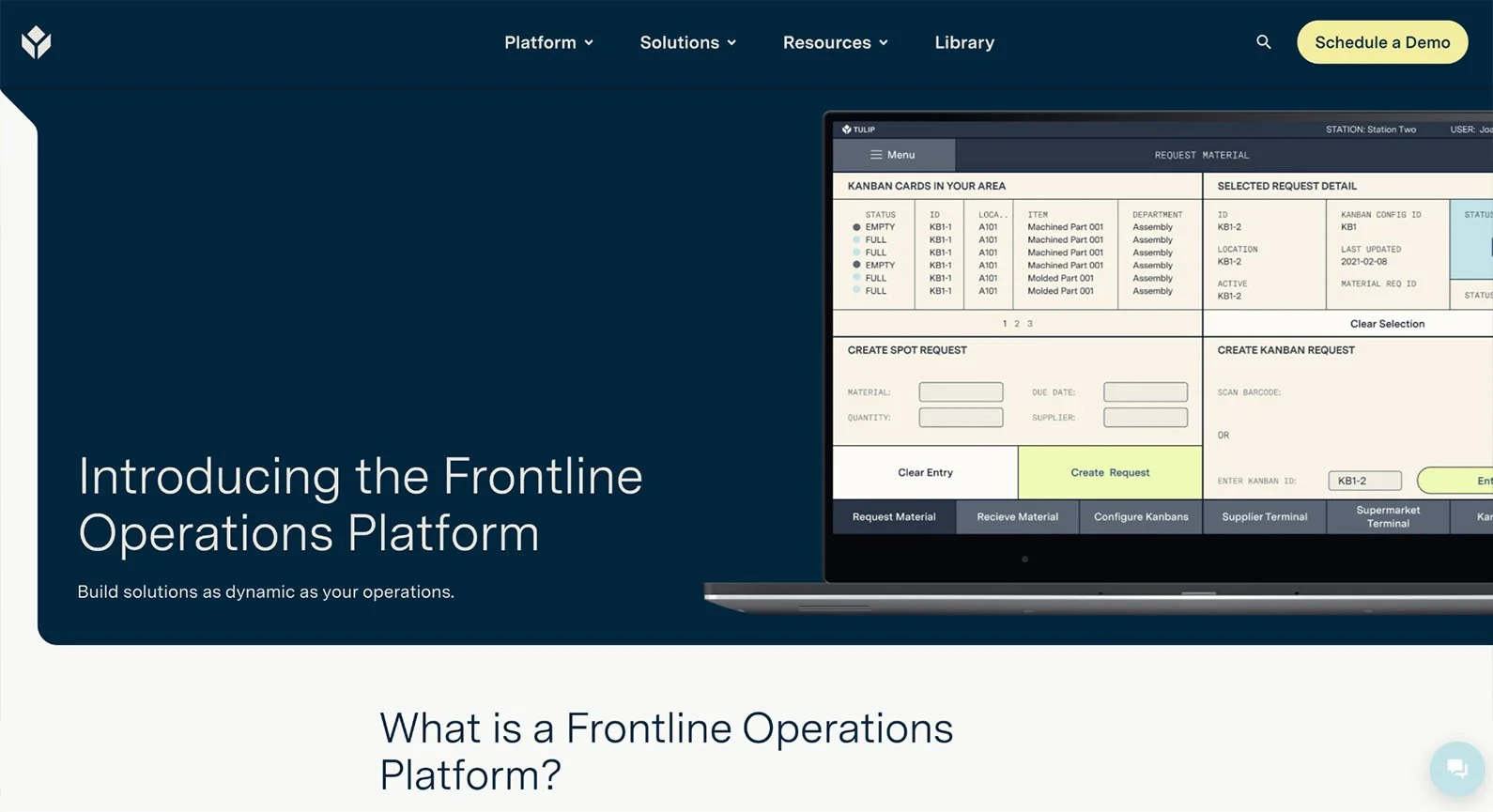
Tulip Frontline Operations is a no-code/low-code system built to help manufacturers digitize frontline operations without relying on traditional monolithic manufacturing execution system software.
What makes Tulip unique is that manufacturers can build their own apps and share them in real-time. Teams can create work instructions, training tools, quality checks, and traceability workflows, without writing any code.
It’s a strong fit for small to mid-sized manufacturers who want modern MES interfaces without needing extensive IT resources or MES experience..
Key features
No-code/low-code app builder: Allows teams to build production apps, work instructions, quality flows, and dashboards without custom coding.
Real-time operator data capture: Collects contextual, shop-floor data from operators, machines, and devices to track performance and improve decision-making.
Work instruction management: Provides digital step-by-step instructions, embedded media, and guided workflows.
Task dispatching & scheduling: Helps supervisors assign work, trigger tasks automatically, and keep production moving smoothly across cells or stations.
Traceability for tasks/parts: Tracks materials, components, equipment usage, and operator actions to maintain full process history and support compliance.
Customer reviews
Customers have rated Tulip 4.5/5 on G2, highlighting its ease of use for building and deploying apps without coding. Many appreciate the system’s flexibility, strong customer support, and ability to rapidly digitize manual processes across stations and workflows.
Some point out limitations in analytics depth, occasional connectivity or content-revision glitches, and the lack of advanced MES functionality for highly regulated or complex operations.
Pros and cons
Here's how Tulip Frontline Operations performs based on user feedback and expert analysis:
| Pros | Cons |
|---|---|
| Rapid deployment allows teams to build and roll out apps quickly. | Built-in analytics are useful but not as deep as enterprise intelligence tools. |
| Low-code/no-code tools let engineers and operators design workflows without developers. | Not ideal for high-volume, highly automated plants needing deeper MES functions. |
| Simple, tablet-friendly interface makes adoption easy for frontline teams. | Regulated industries may need extra layers or tools to meet strict compliance needs. |
| Flexible workflows adapt easily to process changes or new product introductions. | ERP and PLM integrations often require connectors or extra configuration work. |
| A strong fit for small to mid-sized operations with limited MES budgets. | Scaling to full enterprise-level MES features is limited. |
| Well-suited for discrete manufacturing like assembly, med-device, and electronics. | Offline functionality is limited, so steady connectivity is important. |
9. DELMIA Apriso
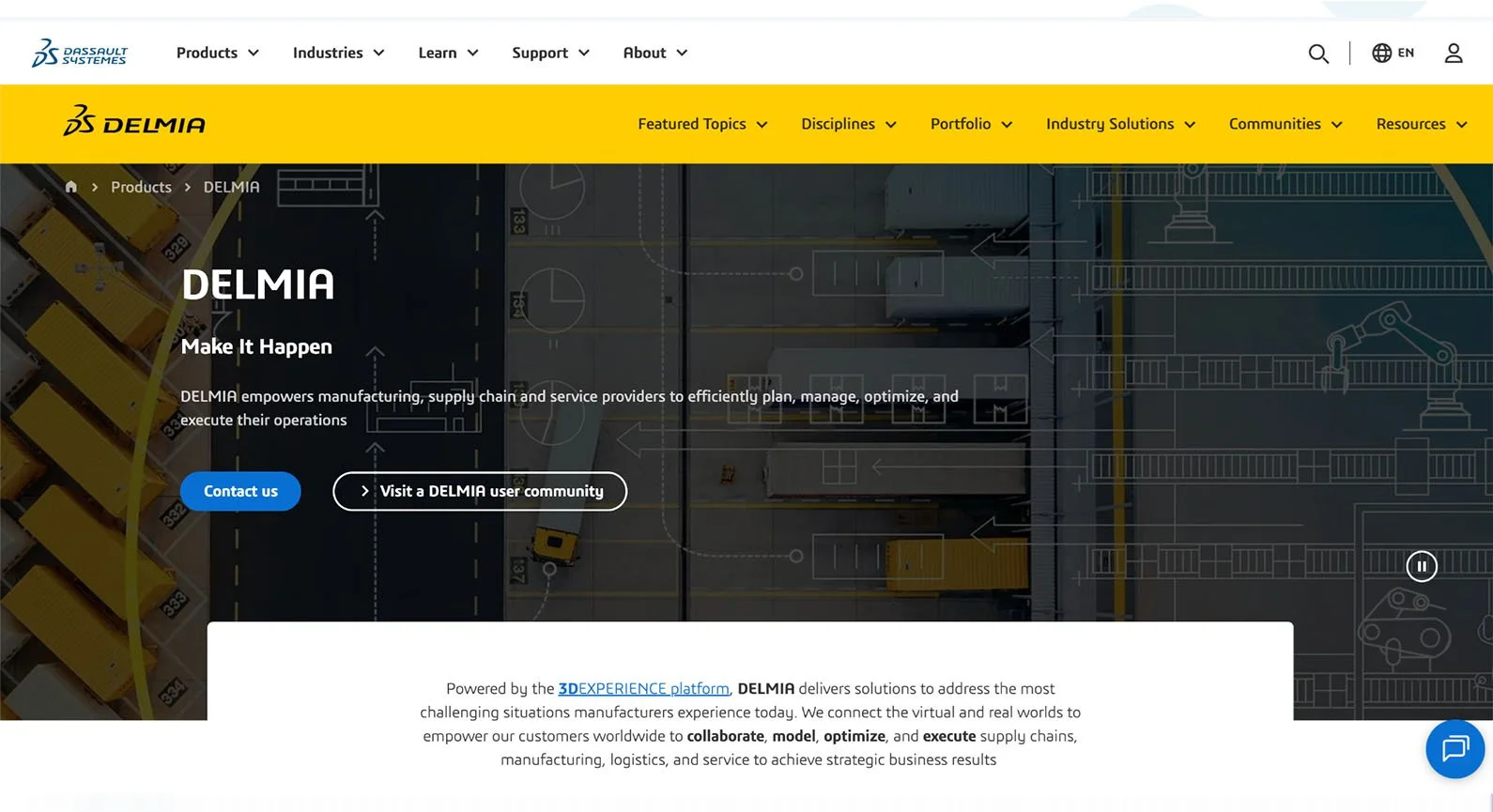
DELMIA Apriso from Dassault Systèmes is a MOM system built for manufacturers to manage multiple parallel production lines, diverse teams, and a lot of data that needs to be organized.
Instead of treating production as separate pieces, the software brings MES, Maintenance, Repair & Overhaul (MRO), and ERP together so plants have full visibility and can keep work flowing. It’s best suited for companies that already run fairly complex operations or have several facilities that need to stay aligned.
Large-scale manufacturers in automotive, aerospace, industrial equipment, and similar fields benefit the most because Apriso scales well and supports detailed process requirements.
Key features
MES + MOM capabilities: Covers production, warehouse, quality, labor, and maintenance in one system with ERP and PLM integrations.
Production scheduling & resource management: Helps teams plan work, assign equipment and labor, and keep things moving when schedules change.
Traceability & genealogy: Tracks materials and processes from start to finish, making it easier to investigate issues and pass audits.
Simulation & “what-if” analysis: Works with the DELMIA 3D technologies to test process changes virtually before rolling them out on the shop floor.
Multi-site coordination: Standardizes manufacturing processes and MOM logic across plants while still allowing local configurations.
Customer reviews
On G2, DELMIA has an overall rating of 4.0/5, with many mentioning its strengths in production planning, process simulation, and integration with CATIA, ENOVIA, and Apriso.
At the same time, some users mention high licensing and infrastructure costs, performance issues with very large data sets, and a steeper learning curve.
Pros and cons
Here's what users and industry experts report about DELMIA Apriso:
| Pros | Cons |
|---|---|
| Works well for manufacturers with multiple plant locations. | Licensing and setup costs may be too high for smaller operations. |
| Lets teams simulate process or layout changes before real-world changes. | Setting up the system and seeing a strong ROI can take more time. |
| Tracks materials and process steps clearly for audits and troubleshooting. | New users typically need structured training to get fully comfortable. |
| Helps multi-site teams standardize workflows with room for local flexibility. | Often requires specialist expertise for setup and long-term support. |
| Combines production, quality, warehouse, and maintenance tools in one platform. | Can feel too heavy for smaller factories with simple workflows. |
| Provides real-time performance and quality analytics for decision-making. | Larger deployments may need stronger servers and infrastructure. |
10. iBASE-t Solumina
Solumina MES by iBase‑t is built specifically for complex discrete manufacturers; teams dealing with huge assemblies, constant engineering changes, and strict compliance requirements in aerospace, defense, and industrial equipment.
Teams often choose Solumina MES because it brings order to complex builds and supports closed-loop quality. The platform also helps operators stay aligned with the latest instructions while managing constant design changes.
Key features
Quality management & compliance: Supports inspections, deviation tracking, certifications, and corrective actions.
Work instructions & procedural control: Delivers clear, digital work instructions with step-by-step guidance, required sign-offs, and real-time updates.
Part/serial/lot traceability: Tracks every component, subassembly, and material throughout a product's full genealogy.
Change management & revision control: Manages engineering changes, updated process plans, and configuration revisions with approval workflows.
Reporting & analytics: Consolidates real-time production and quality data into dashboards and reports.
Resource management: Evaluates the compatibility of tools with machines, enforces and tracks calibration requirements, checks preventive maintenance status, and manages labor authorization.
Customer reviews
iBASE-t Solumina receives a 2.8/5 rating on G2 with mixed experience. Some highlight that the system is easy to use and improves steadily with frequent updates, while others note the value of having all manufacturing data centralized in one place.
At the same time, some reviews say the system's many functions make it difficult to navigate, and they express concerns about configuration challenges and slow or inconsistent support.
Pros and cons
Below are the pros and cons of iBASE-t Solumina based on our expert insights and user reviews:
| Pros | Cons |
|---|---|
| Strong audit and compliance tracking for regulated industries. | High implementation costs may exceed smaller budgets. |
| Purpose-built for aerospace, defense, and med-device needs. | Longer deployment timelines for full rollout and validation. |
| Structured workflows keep procedures consistent and controlled. | Operators often need formal training to get fully comfortable. |
| Deep part and process traceability for easier investigations. | Feels rigid for low-volume or prototype-heavy workflows. |
| Supports complex, multi-level builds and large assemblies. | Requires dedicated admin or vendor support over time. |
| Trusted in regulated environments with a mature user base. | Not ideal for small or mid-sized teams with simpler needs. |
Factors To Consider When Choosing MES Software
When comparing MES options, consider how well each system fits your factory's current operations and your expansion plans. The right choice depends more on how the MES features support your workflows, teams, and growth plans.
Business needs
Start by clarifying what problems you actually need to solve—whether it's visibility, traceability, scheduling, or quality. The MES you pick should directly support those priorities without forcing unnecessary complexity.
Scalability
Choose a MES software that can handle your future scaling needs, not just your current production units. If you expect to add more lines, plants, or products, make sure the system can grow without needing a full rebuild.
Integrations
MES delivers value only when it connects well with ERP, PLM, machines, and quality systems. Look for MES systems that offer easy connectors so you don’t spend months building custom integrations.
Mobile access
If operators and supervisors move around the floor, mobile access can make a big difference. Simple tablet or phone interfaces help teams respond to issues quickly.
Security and compliance
Verify that the MES system meets your industry’s requirements, especially if you’re in a regulated industry. Check for built-in audit trails, user controls, and data protection to save trouble later.
User-friendliness
Even the best MES software customized to your industry specs is ineffective with a poor user interface. So pick manufacturing execution systems with clean screens, clear workflows, and a minimal learning curve so operators and engineers can adopt them quickly.
Vendor support
Choosing and setting up the best MES software is a complex process, and it requires regular maintenance and vendor support. So make sure to choose vendors who offer quick responses, good documentation, and a helpful user community.
Monitoring and analytics
Real-time dashboards and simple reporting tools help you spot problems before they grow. Look for manufacturing software systems with easy-to-design dashboards and user interfaces that can be customized to your KPIs.
Total Cost of Ownership (TCO)
The total cost of the MES isn’t just the licensing cost. Consider the cost of implementation, upgrades, integrations, and internal resources, and make sure it aligns with your budget and the value you expect.
Monitor, Control, and Optimize Production Processes With Epsilon3
Epsilon3 offers a modern, intuitive way to streamline operations, reduce errors, and give your teams clearer visibility into every step of production.
Its process-driven approach helps manufacturers move away from scattered spreadsheets and paper procedures toward clean, consistent, and trackable operations.
If you're exploring MES options or preparing for a rollout, Epsilon3 is a strong starting point for manufacturers that want a straightforward, operator-friendly system with the essentials built in.
FAQ
What is MES software used for?
Companies use MES software to manage, track, and control manufacturing operations in real time. It connects people, machines, materials, and workflows so companies always know what’s happening on the shop floor.
In practice, MES helps teams reduce errors, improve quality, meet compliance requirements, and maintain full traceability from raw materials to finished goods.
How do you implement an MES system?
Most manufacturers implement an MES in phases: starting with one process or line, connecting it to existing systems, validating the workflows, and training operators. Once that foundation is stable, teams expand to additional lines or sites.
Is MES the same as ERP?
No, MES and ERP solve different problems. ERP handles business planning, including purchasing, inventory management, finance, and order management. MES handles production execution, including work instructions, quality checks, machine data, genealogy, and real-time performance tracking.
When manufacturers integrate MES and ERP systems, they get a complete view from order creation to product delivery.

If you are a current user of Epsilon3, contact support@epsilon3.io for the review link to earn $50 before submitting.