8 Best ERP Software of 2026
The right ERP solution for you depends on factors like your company’s size, industry, and deployment needs. This guide breaks down the best ERP software options in 2026 and how to choose one.
Enterprise resource planning (ERP) software integrates core business functions and streamlines workflows. According to the Panorama Consulting Group’s 2024 ERP Report, 85.5% of businesses that implement these tools see gains in productivity and efficiency.
To help you realize similar benefits—and avoid a costly repeat implementation—we put together a list of the best ERP software in 2026 using criteria like customer ratings, flexibility, and breadth of functionality. This guide explains what each solution offers and how to determine which one is right for your business.
| ERP software | Best for | Key features | Price |
|---|---|---|---|
| Epsilon3 | Complex operations, aerospace, energy, and advanced manufacturing | Digital checklists, process automation, real-time procedure tracking, and data integration | Starting at $100/user/month, billed annually |
| Oracle NetSuite | Mid-market companies and startups | Accounting, finance, global business, enterprise performance, inventory, order, supply chain, procurement, and warehouse management | Annual license fee; contact for quote |
| SAP S/4HANA | Large enterprises and global operations | Finance, production, supply chain, procurement, sales, and professional services | Contact for quote |
| Microsoft Dynamics 365 | Businesses already invested in the Microsoft ecosystem | Finance, supply chain, commerce, project operations, HR, sales, customer insights, customer service, contact center, field service | Starting at $80/user/month, billed annually |
| Odoo | Small businesses and startups on a budget | Finance, sales, websites, supply chain, HR, marketing, services, productivity | Paid plans starting at $24.90/user/month, billed annually |
| Epicor | Manufacturing and industrial sectors | Industry-specific for manufacturing, distribution, automotive, retail, and building supply companies | Contact for quote |
| Infor CloudSuite | Specific industries (healthcare, food and beverage, distribution) | Industry-specific across 24 sectors, including healthcare, hospitality, and distribution | Contact for quote |
| Acumatica Cloud ERP | Growing mid-market companies | Industry-specific across 14 sectors, including agriculture, construction, and education | Contact for quote |
1. Epsilon3
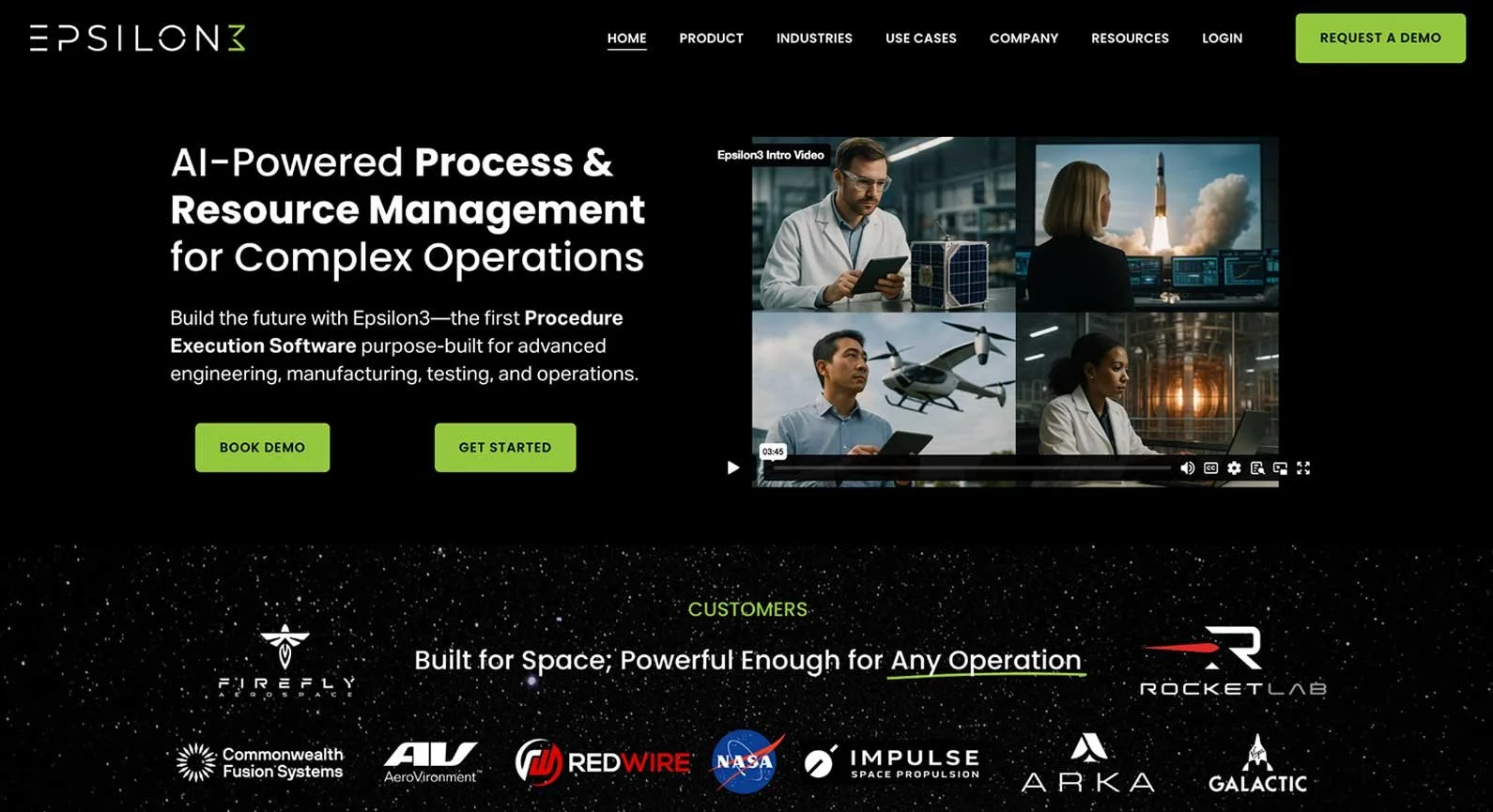
Epsilon3 is an AI-powered, ERP-adjacent solution built for complex operations. It combines features from ERP, manufacturing execution, quality management, and procedure execution systems. This helps optimize critical workflows in high-stakes environments, like aerospace engineering and testing.
Some of the platform’s key capabilities include:
Digital checklists and flowcharts
Conditional process automation
AI-assisted procedure generation
Real-time procedure tracking
Customizable API integrations
Reviews often call out the digital checklist feature, which allows teams to spot where workflow errors occurred and who was responsible. This improves accountability and makes it easier to refine standard operating procedures.
Many users also praise Epsilon3 for its ease of use and intuitive design. When issues arise, the search function simplifies troubleshooting. This opinion isn’t universal, though, as some users report experiencing a steep learning curve.
Best for: Complex operations, aerospace, energy, and advanced manufacturing
Type: Cloud (on-premise, hybrid, and FedRAMP available)
Pros: High-precision procedure execution, strong accountability
Cons: More focused scope than full ERP platforms
G2 rating: 4.2/5
2. Oracle NetSuite
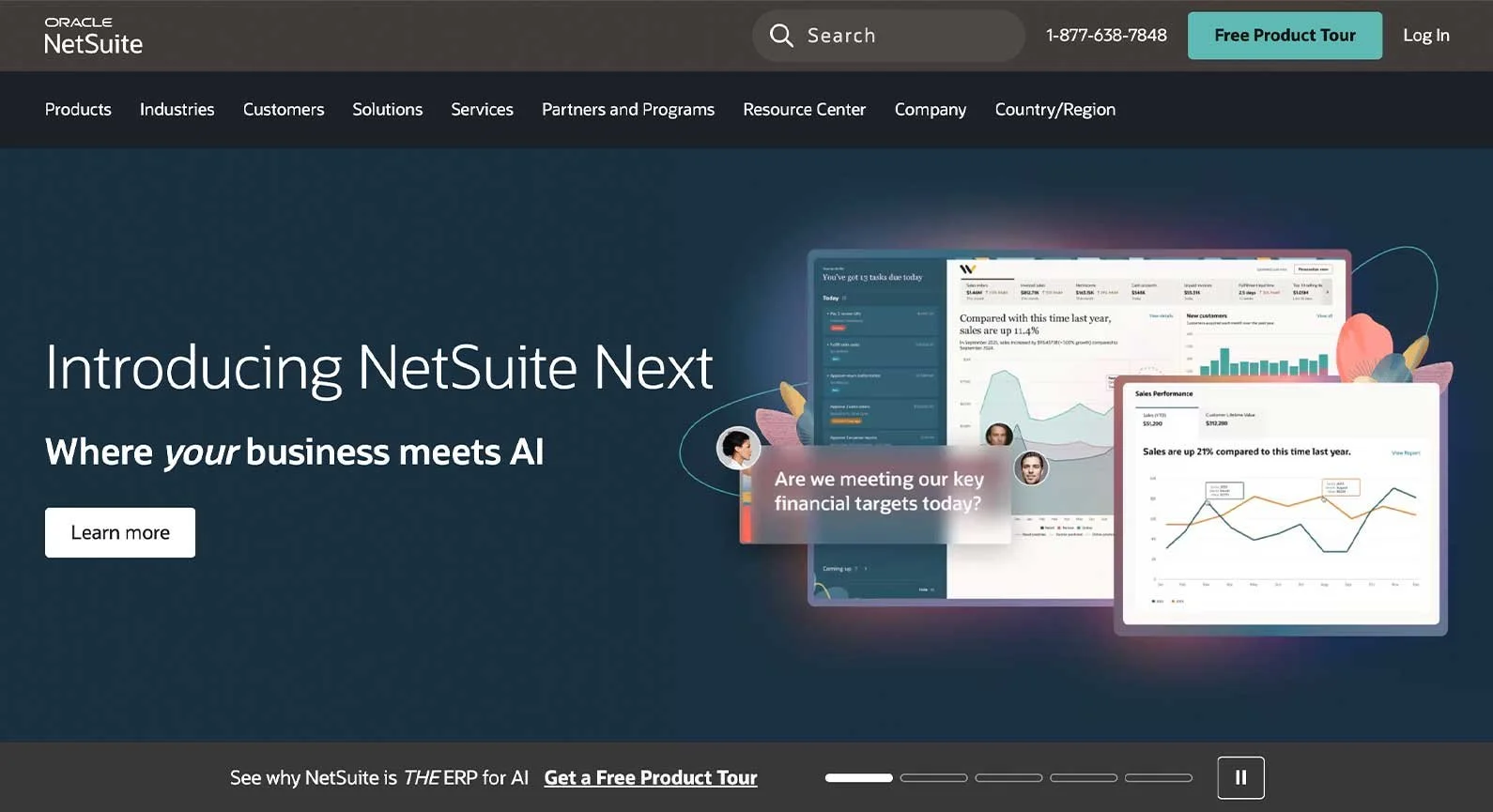
Oracle NetSuite is a cloud-native ERP platform that offers a customizable, all-in-one system. It’s also a market leader with a large ecosystem of third-party integrations. This makes it ideal for mid-market companies and startups that need solutions to grow with them as they scale.
NetSuite’s core modules include:
Accounting and financial management
Global business management
Enterprise performance management
Inventory and order management
Supply chain and warehouse management
Procurement management and automation
Users consistently mention NetSuite’s flexibility. More than a thousand G2 reviews highlight its customization capabilities, especially for the dashboard and workflows. Many others compliment its support for multiple business functions in one platform.
However, this comprehensiveness and adaptability increase complexity. As a result, some users struggle with configuration. They report that advanced customizations may require technical support from an expert consultant.
Best for: Mid-market companies and startups
Type: Cloud
Pros: Highly customizable, broad functionality
Cons: Complex to configure, potentially expensive at scale
G2 rating: 4.1/5
3. SAP S/4HANA
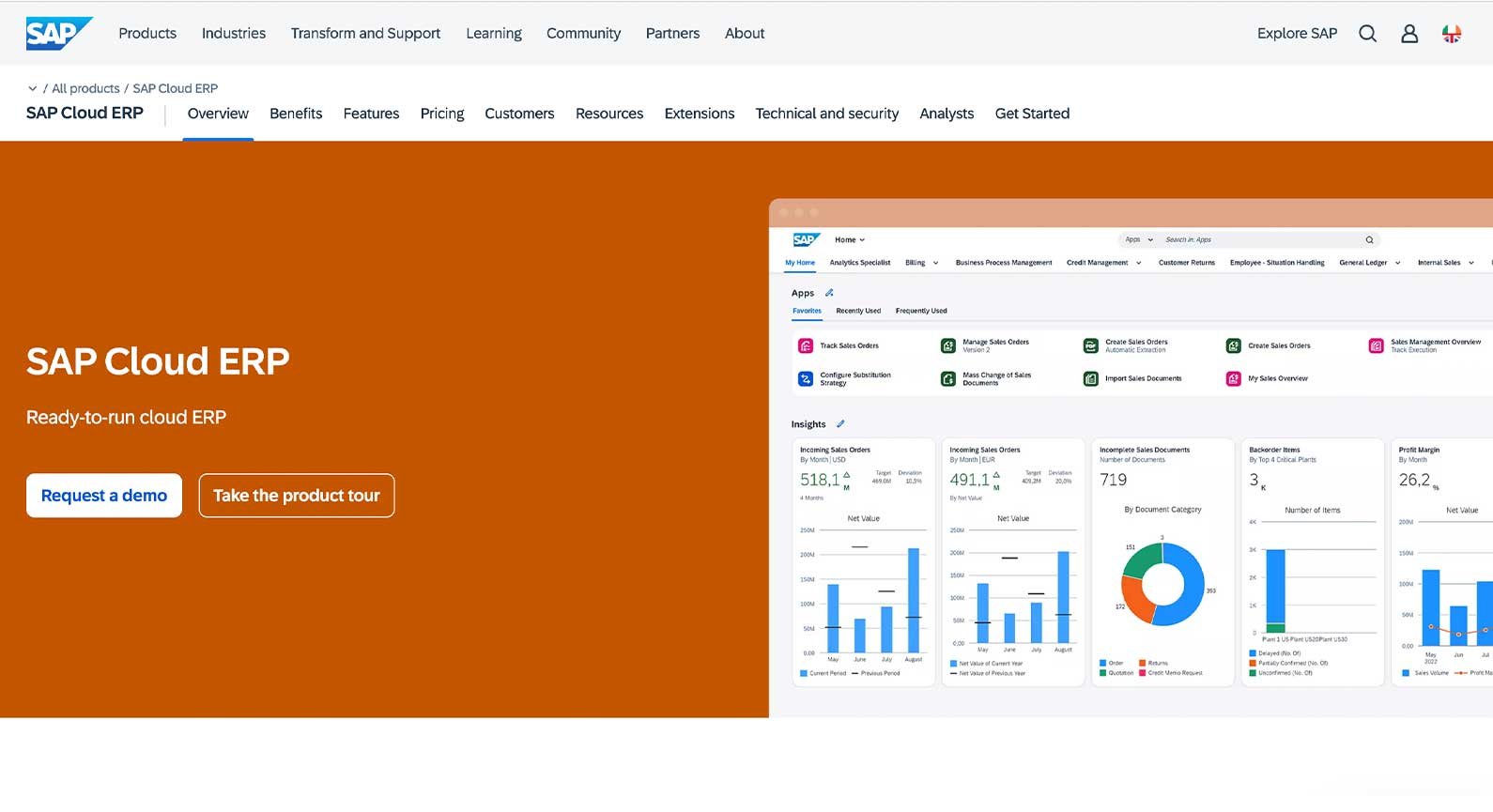
S/4HANA is the latest version of SAP’s core ERP system. It integrates directly with the SAP Business Suite, which can handle operations at scale. It also supports multiple languages and regional requirements. This makes it an effective out-of-the-box solution for international enterprises.
The unified platform's core features include:
Financial management
Production optimization
Supply chain management
Procurement automation
Sales management
Professional services automation
S/4HANA’s speed and end-to-end integrations are mentioned frequently in customer reviews. Users often say how smoothly data flows between it, other SAP products, and third-party tools. This supports broad functionality and real-time visibility.
However, SAP’s preconfigured nature can restrict flexibility. Some users report that the system feels rigid. Customization options may be limited, especially with the cloud-based versions.
Best for: Large enterprises and global operations
Type: Cloud (on-premise and hybrid available)
Pros: Scales well for global operations, strong real-time integrations
Cons: Limited customization, especially in cloud-based deployments
G2 rating: 4.5/5
4. Microsoft Dynamics 365
Microsoft Dynamics 365 is a suite of ERP and customer relationship management (CRM) products. Across these main categories, its core applications include:
Finance
Supply chain management
Commerce
Project operations
Human resources
Sales
Customer insights
Customer service
Contact center
Field service
These features integrate with one another and with apps from Microsoft Marketplace, like Power BI and Copilot. This makes Dynamics 365 a natural choice for those already invested in the Microsoft ecosystem.
Users appreciate that Dynamics 365 supports such a seamless tech stack. Many reviews state that systems feel connected and synchronized. They also highlight the breadth of functionality the ecosystem allows.
However, the heavily modular approach can increase cost and complexity. Building a complete system from individual applications may be harder and more expensive than adopting an all-in-one solution.
Best for: Businesses already invested in the Microsoft ecosystem
Type: Cloud (on-premise and hybrid available)
Pros: Seamless Microsoft integrations, broad functionality
Cons: System can grow complex and costly
G2 rating: 4.6/5
5. Odoo
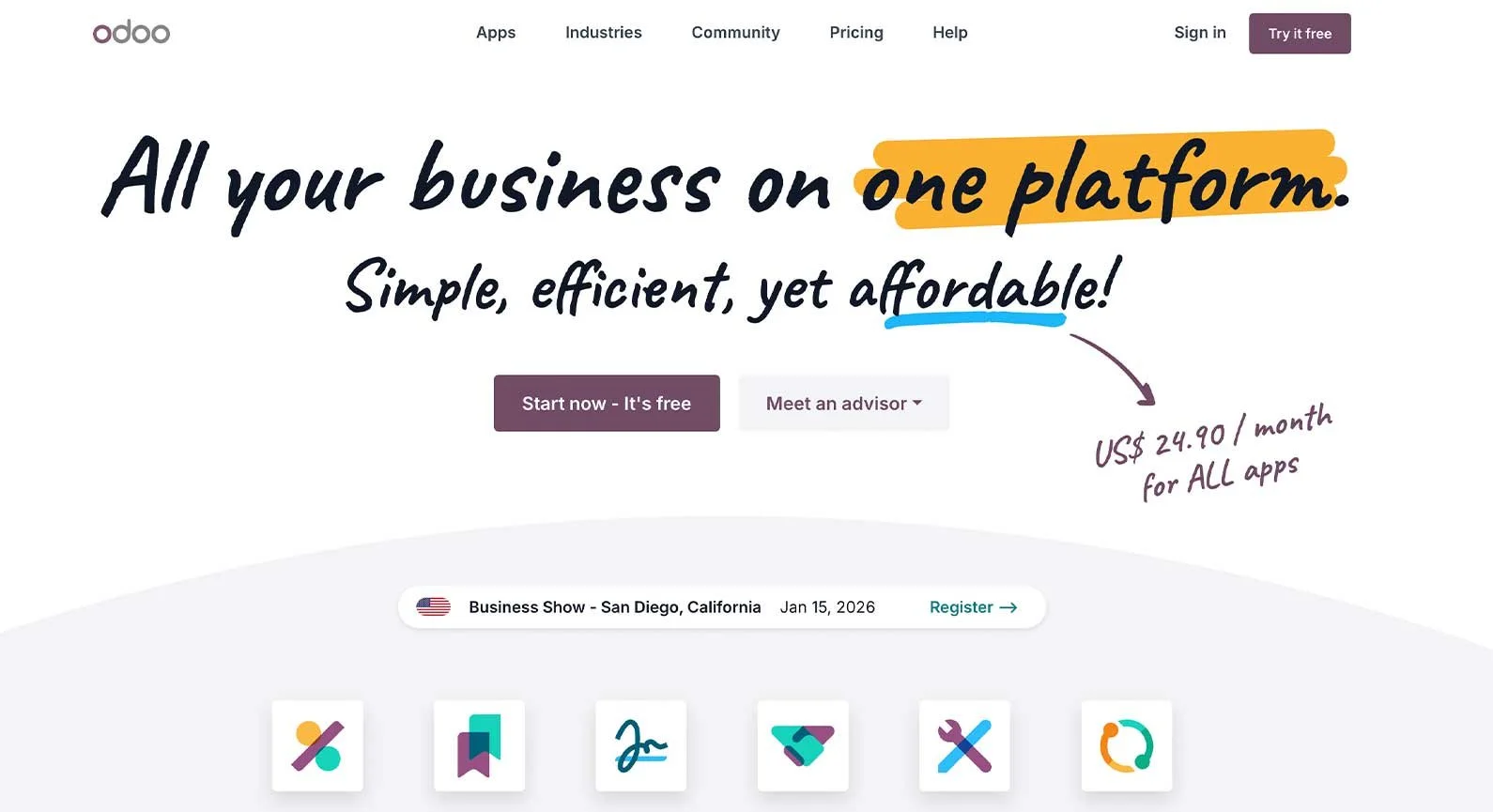
Odoo is an open-source ERP platform with low-cost subscriptions. It even has a free tier, though it only grants access to one application. Paid plans with unlimited apps start at just $24.90 per user per month, making it an appealing option for small businesses and startups with limited budgets.
Odoo is also a highly modular solution. Users can choose from dozens of apps across the following types of applications:
Finance
Sales
Marketing
Human resources
Websites
Services
Supply chain
Productivity
Users often mention this flexibility in Odoo’s ERP software reviews. They appreciate that it lets you pay for only the modules you need, highlighting the platform’s cost-effectiveness.
However, others point out that Odoo lacks some out-of-the-box functionality that other ERP systems provide. Some users report needing additional development to fill these gaps, eroding cost savings.
Best for: Small businesses and startups on a budget
Type: Cloud (on-premise and hybrid available)
Pros: Affordable pricing, highly customizable
Cons: Limited out-of-the-box-functionality
G2 rating: 4.3/5
6. Epicor
Epicor is an ERP provider that offers industry-specific systems instead of universal solutions. In particular, it sells software for manufacturing, distribution, automotive, retail, and building supply companies. If you operate in these industries, one of its platforms may be a good fit.
Each of these tools has different features to suit their target markets. Epicor Kinetic is one of its more popular products, so we’ll use it as a representative example. Here are its main capabilities:
Financial management
Business intelligence and analytics
Supply chain management
Planning and scheduling
Production management
Services and resource management
Internet of things integration
Risk and compliance management
Omnichannel sales
Customer relationship management
Product and project management
Global business management
Advanced requisition management
Users often appreciate that industry-specific Epicor solutions can support unique needs. For instance, multiple reviews highlight Epicor Kinetic’s labor costing, inventory control, and material planning tools.
However, some users suggest that offering industry-specific solutions creates silos within Epicor itself. They claim this makes it tricky to find the right support contact and that it can take several interactions to resolve issues.
Best for: Manufacturing and industrial sectors
Type: Cloud (on-premise and hybrid available through 2029)
Pros: Strong industry-specific features, broad functionality
Cons: Fragmented product ecosystem, potentially inconsistent support
G2 rating: 4/5
7. Infor CloudSuite
Infor is another ERP provider that builds systems for specific types of businesses. It offers an even wider selection than Epicor. The CloudSuite series includes tailored solutions for two dozen industries, including chemical, construction, fashion, healthcare, and hospitality.
An Infor ERP may be worth considering if you do business in one of these areas. Reviews confirm that these systems contain features aligned with each industry’s unique needs, such as prebuilt workflows. For example, here are the core capabilities you can expect from Infor’s aerospace and defense ERP:
Asset lifecycle management
Compliance management
Financial management
Manufacturing execution
Project and program management
Product lifecycle and quality management
Supply chain optimization
However, some users report that Infor’s platforms are less modern than those of other competitors. Specifically, reviews mention that the interface feels dated and the automation features are limited.
Best for: Specific industries (healthcare, food and beverage, distribution)
Type: Cloud (on-premise and hybrid available)
Pros: Industry-tailored workflows, compliance features
Cons: Dated user interface and automation
G2 rating: 3.9/5
8. Acumatica Cloud ERP
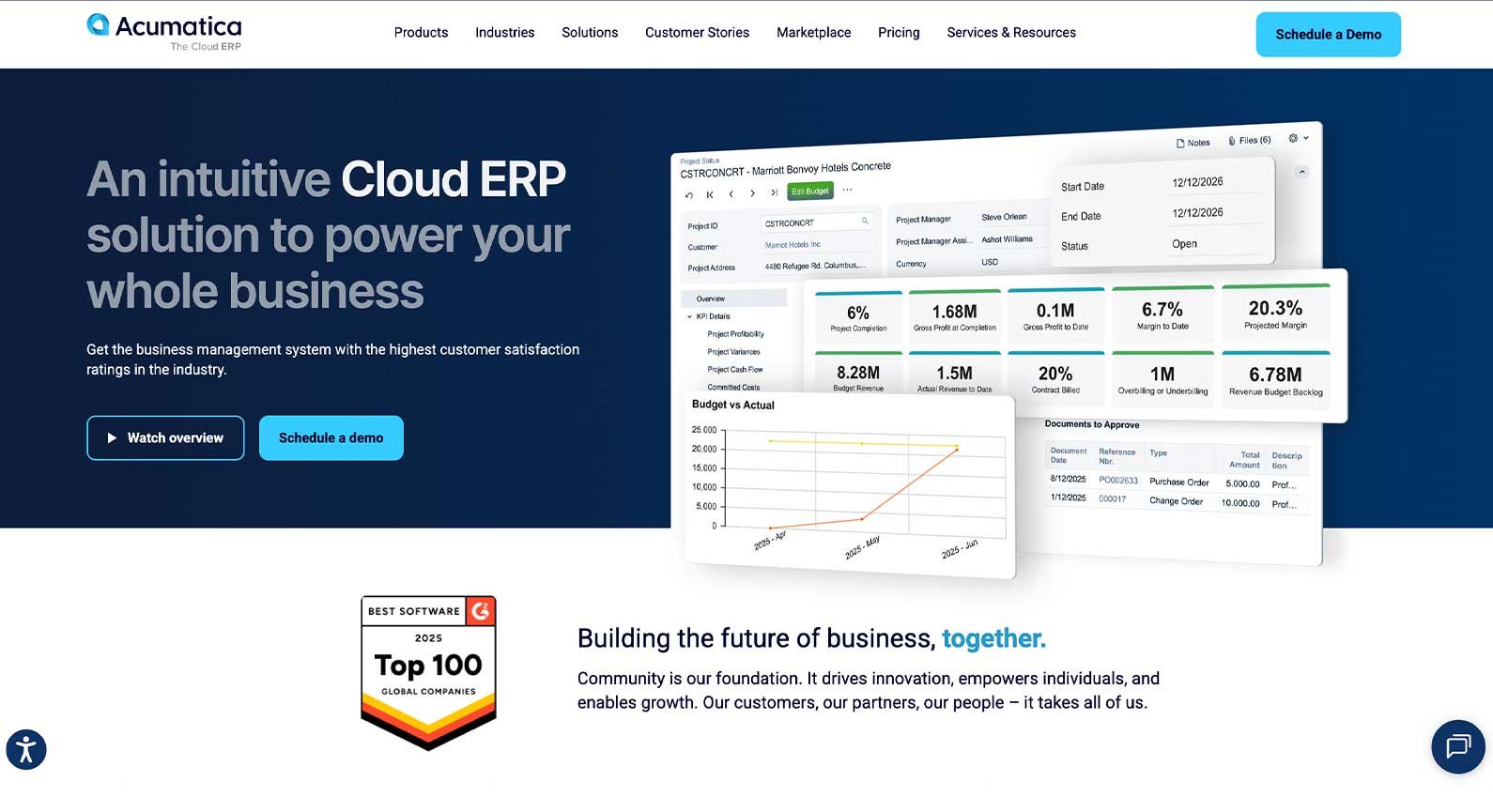
Acumatica is a cloud ERP platform for growing businesses. It uses a resource-based licensing model instead of per-user pricing. This allows companies to scale without constantly increasing software costs. These are the core features available, each sold separately:
Financial management
Construction management
Distribution management
Manufacturing management
Professional services management
Retail management
Inventory management
Field service management
Order management
Warehouse management
Like Epicor and Infor, Acumatica also offers industry-specific solutions. For example, these include specialized packages for businesses in agriculture, communications, distribution, and professional services.
Across all its solutions, the platform supports a high degree of customization. Reviews frequently mention Acumatica’s no-code and low-code development tools. These can help you modify workflows without relying on developers.
Users also highlight the platform's strong integrations with third-party systems. However, some note that advanced functionality may depend on partner solutions. This can increase costs and reliance on consultants.
Best for: Growing mid-market companies and specific industries
Type: Cloud (on-premise and hybrid available)
Pros: Resource-based licensing model, customization options
Cons: Advanced functionality may require partner solutions
G2 rating: 4.5/5
Types of ERP Software Solutions
ERP solution types vary by deployment model, business size, and industry. The right type for you depends on both your current operations and expected growth.
Deployment models
Deployment models determine where you host your ERP system and who’s responsible for maintaining it. As a result, they also affect your level of control over the solution. Here are the main options:
On-premise: This involves hosting software on your own local servers. Choose it when you want to maximize control, data security, and customization availability.
Cloud: This involves hosting software on a third party’s servers and accessing it over the internet. Choose it when you prioritize fast deployment, cost savings, and flexibility.
Hybrid: This combines on-premise and cloud-based hosting for businesses with complex needs. For example, you might choose it when regulations require you to keep certain data on-premise, but using the cloud in other areas helps keep costs down.
Two-tier: This involves using two separate ERP systems at different levels of your organization. You’ll usually only choose it after going through a merger or acquisition. For example, the parent company uses one ERP while the subsidiary uses another.
Size and complexity
Priorities shift as businesses change in size and complexity. For example, affordability is often essential for smaller companies, while scalability is usually more important for larger businesses.
Here’s what makes ERP software right for operations at different growth stages:
Small business: ERP systems for small businesses should be budget-friendly, intuitive for users, and easy to deploy.
Mid-market: ERP systems for medium-sized businesses should be well-balanced. That means supporting growth and more advanced workflows without too much cost or complexity.
Enterprise: ERP systems for enterprise companies must support operations at scale. They should have features like multi-entity management, third-party integrations, and embedded AI automation.
Due to their unlimited potential for customization, open-source ERP systems can be a viable option for businesses of all sizes.
Industry and function
Generic ERP systems can work well across many different business models. However, some providers offer industry-specific solutions with tailored features. Here’s how to choose between these options:
Function-first ERP: These systems focus on managing core business functions, like sales and procurement. They work best for businesses with standard operations that don’t require much industry customization.
Industry-specific ERP: These systems come with special features for certain industries. They make the most sense when your business model involves complex or regulated workflows, such as aerospace or healthcare.
Beyond Traditional ERP: Software for Complex Operations
ERP systems excel at managing resources and transactions, but they often lack the execution-level precision required for complex, high-stakes operations. This is where procedure execution software can be a valuable complement.
Access granular digital checklists, real-time procedure tracking, and conditional process automation with Epsilon3. These features can help your team standardize its most critical processes and execute them with confidence.
FAQs
-
No, Excel is not an ERP tool. You can use spreadsheets to create custom solutions that mimic some ERP functions, but it takes heavy manual work and leaves you vulnerable to error.
-
Small businesses with limited IT resources should prioritize affordability and ease of use. Odoo is a strong example—it has low-cost plans and integrated apps that are easy to deploy without technical support.
-
Manufacturing companies have complex operations that often benefit from an industry-specific ERP system. Examples of leading providers include Epicor, Infor, and Acumatica. Epsilon3’s procedure execution software can also be invaluable for optimizing manufacturing workflows.
-
The most cost-effective ERP software depends on your needs. For example, Odoo has low subscription rates, but customization can erode savings. Meanwhile, Acumatica’s resource-based licensing can be costly upfront, but you can scale without increasing overhead.

If you are a current user of Epsilon3, contact support@epsilon3.io for the review link to earn $50 before submitting.